

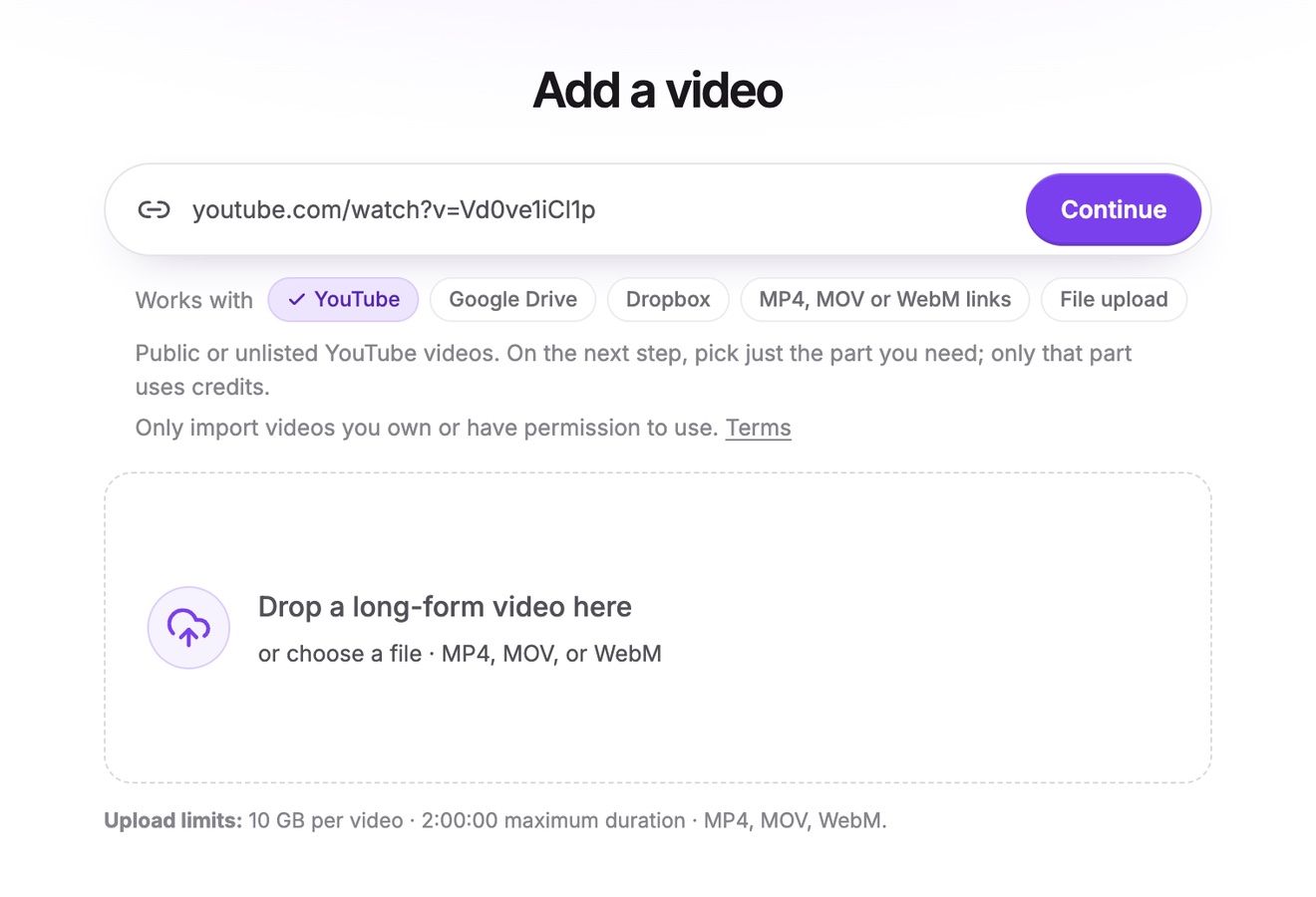
Import from a link
Paste a link to your video on YouTube, Google Drive or Dropbox, or a direct link to an MP4, MOV or WebM file. From a long YouTube video, pick just the minutes you need, and only those minutes use credits.
AIVideo editing and video clipping tool
Vidoveli is the AI video editing and clipping tool that finds the best moments in your long videos and turns them into captioned, social-ready clips in a few clicks.
YouTube, Google Drive™, Dropbox or MP4/MOV/WebM links, or a file upload · up to 2 hours · 60 free credits a month
Clips sized and captioned for every feed
Made with Vidoveli
Each clip is cut to a complete thought, reframed to 9:16 and captioned in the style you pick. The words light up as they are spoken.
 TikTok9:16
Podcast
Boost captions
 Reels9:16
Talking head
Marker captions
 Shorts9:16
Podcast
Punch captions
 TikTok9:16
Vlog
Slant captions
 Reels9:16
Tutorial
Type captions
 LinkedIn9:16
Interview
Glow captions
 Shorts9:16
Podcast
Card captions
 TikTok9:16
Story
Editorial captions
 Reels9:16
Coaching
Solo captions
 Shorts9:16
Podcast
Boost captions
 TikTok9:16
Vlog
Punch captions
 LinkedIn9:16
Interview
Marker captions
Sample clips made with Vidoveli from licensed stock footage, with example captions.
Who it’s for
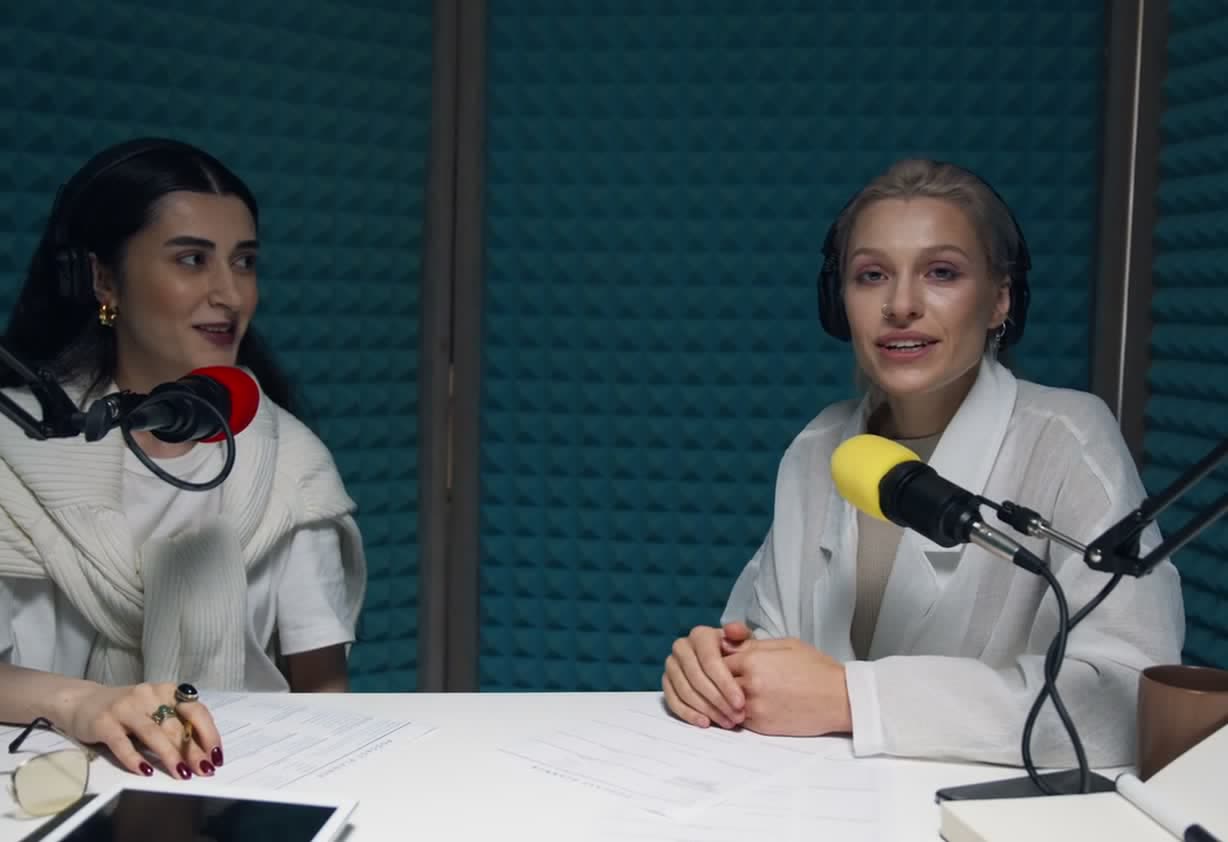
Turn every episode into a week of shorts, without scrubbing through the recording.
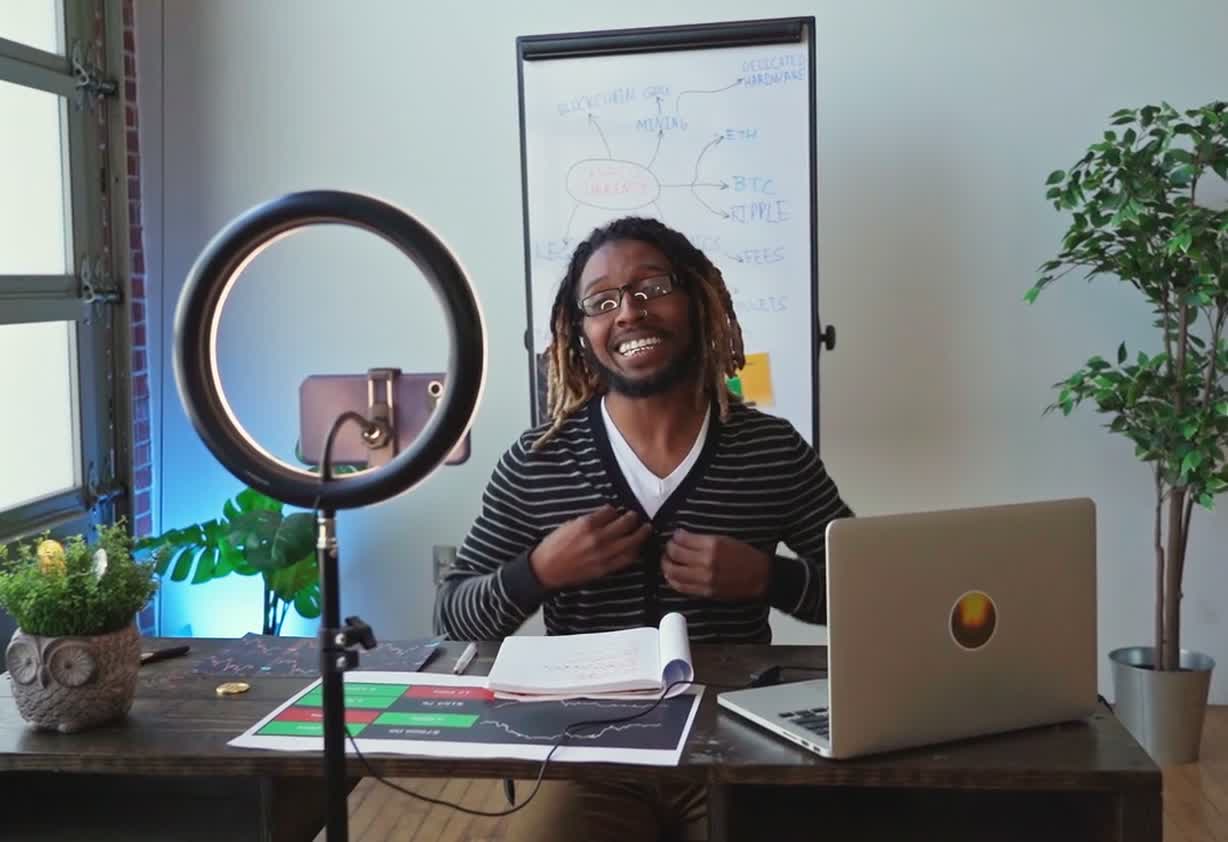
Cut lessons and Q&As into clear, single-idea clips your audience can follow.

Get more from every webinar, demo and customer story, sized for each channel.
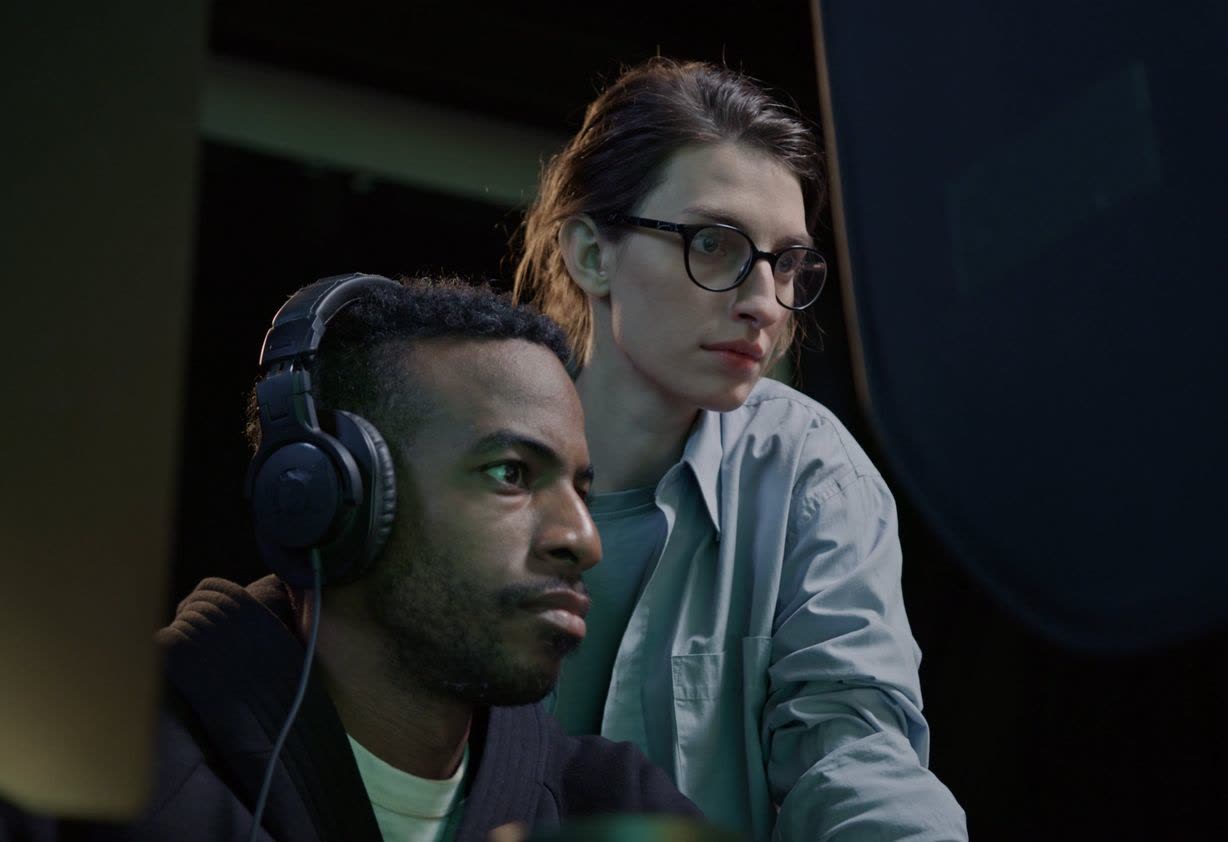
Deliver more clips per client, with brand templates that keep every video on style.
What Vidoveli does for you
Paste a link to your video on YouTube, Google Drive or Dropbox, or a direct link to an MP4, MOV or WebM file. From a long YouTube video, pick just the minutes you need, and only those minutes use credits.
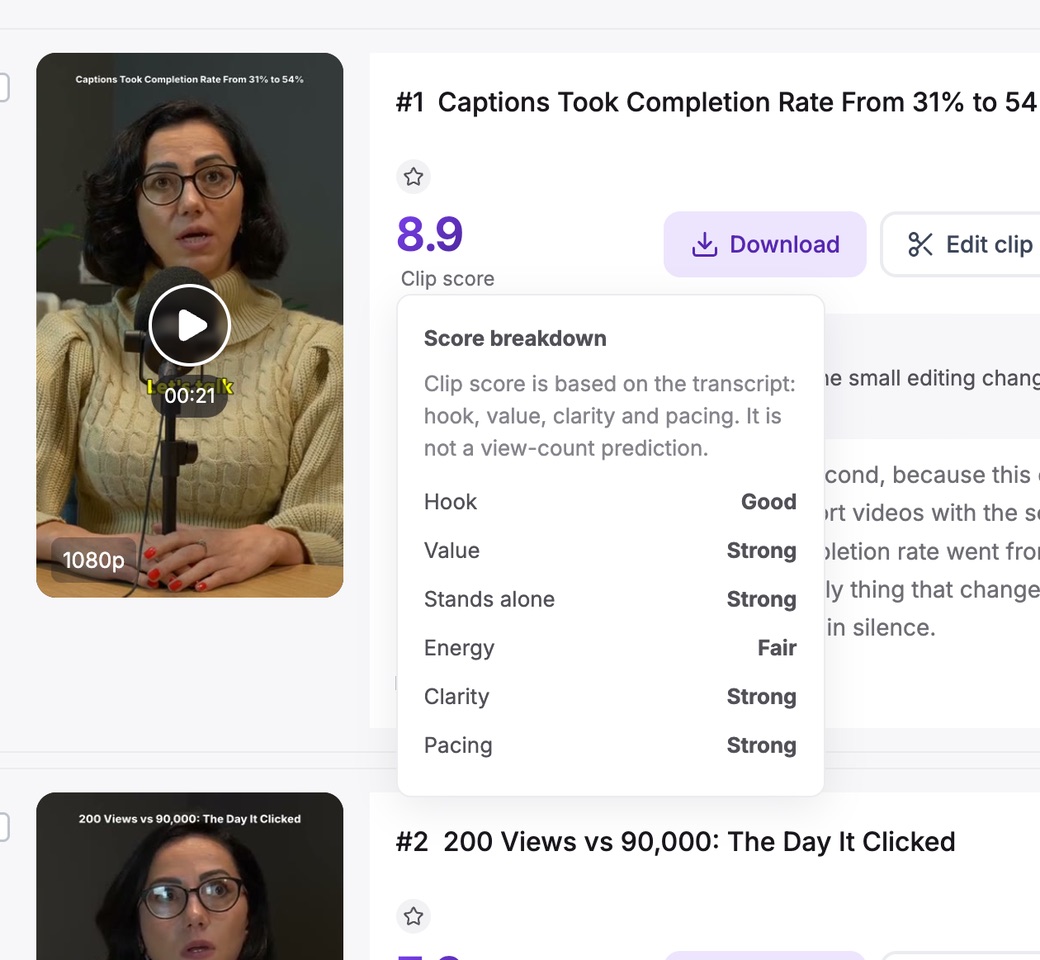
Vidoveli reads the whole transcript, picks complete moments and reviews each one for hook, value and pacing. You see why every clip was chosen.
Animated captions in 40 languages, with each word lighting up as it is spoken. AI adds emoji and highlights the keywords that matter.
Turn a wide recording into 9:16, 1:1 or 4:5. Vidoveli follows whoever is speaking and cuts between speakers, so nobody talks from off screen.
Vidoveli suggests stock footage for what is being said. Add music, sound effects and 19 transitions from the built-in library.
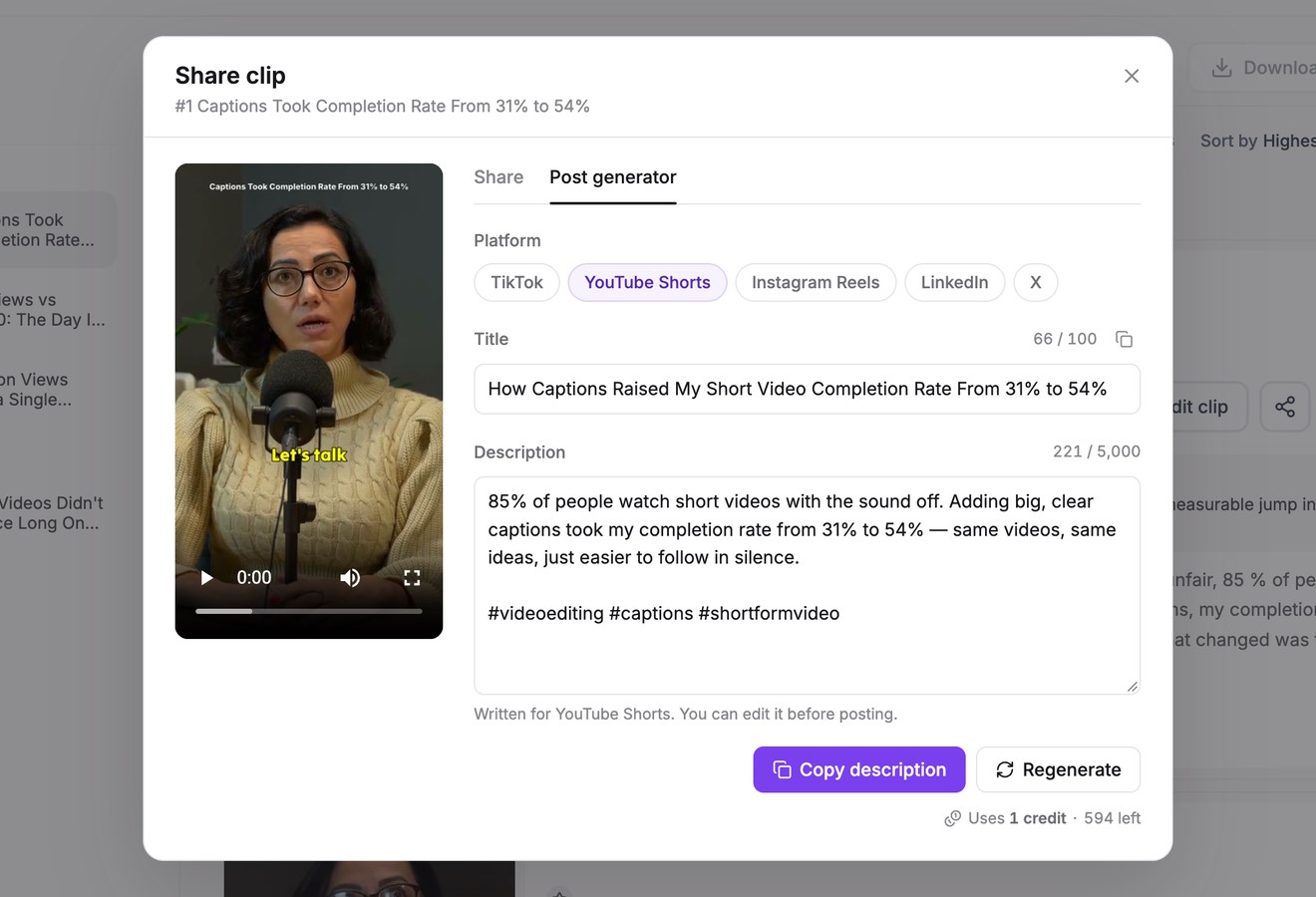
Every clip comes with a title, a caption and hashtags written for the platform you post to. Share a link, or copy the text and go.
Paste a link to your video on YouTube, Google Drive or Dropbox, or a direct link to an MP4, MOV or WebM file. From a long YouTube video, pick just the minutes you need, and only those minutes use credits.
Vidoveli reads the whole transcript, picks complete moments and reviews each one for hook, value and pacing. You see why every clip was chosen.
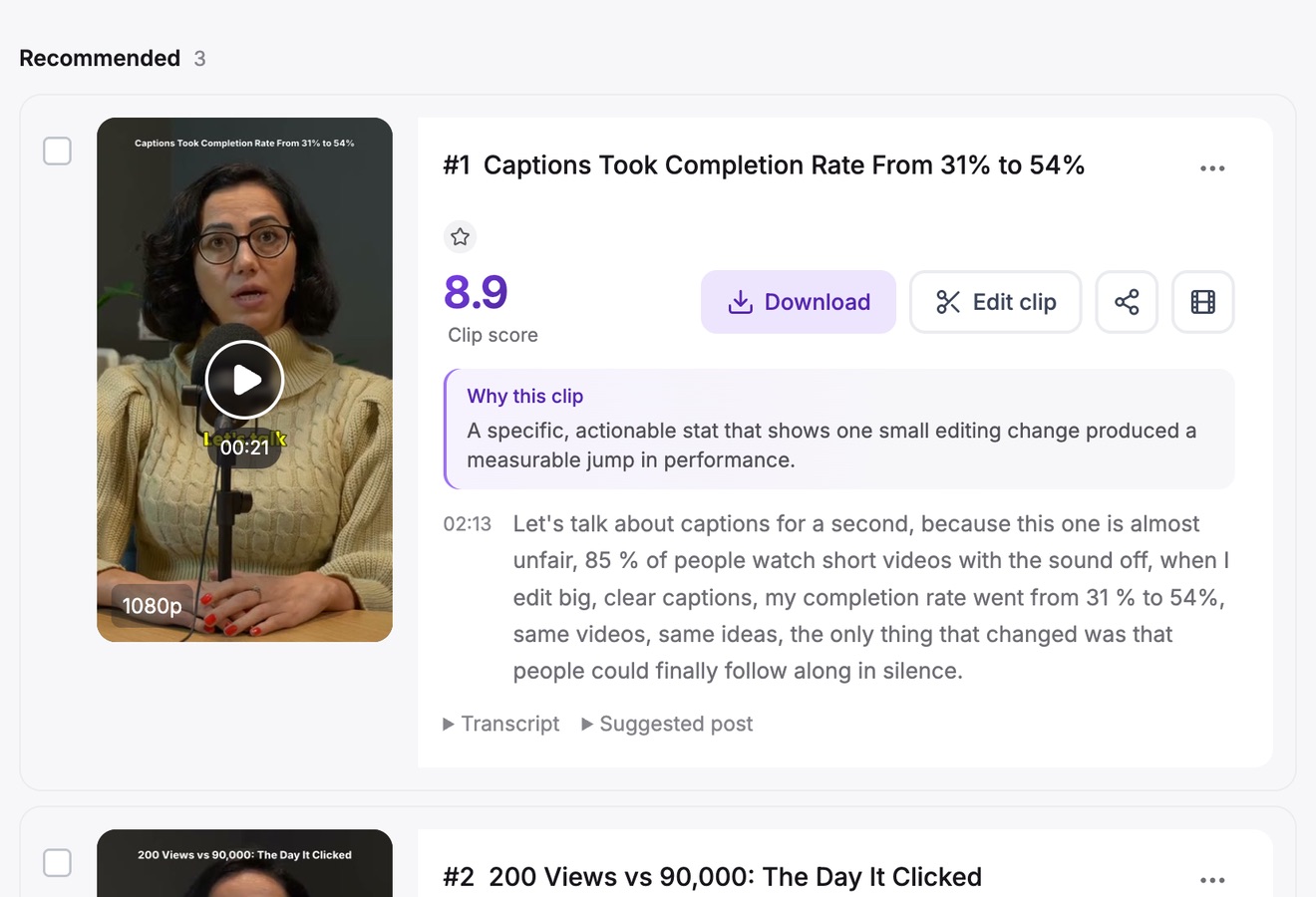
Animated captions in 40 languages, with each word lighting up as it is spoken. AI adds emoji and highlights the keywords that matter.
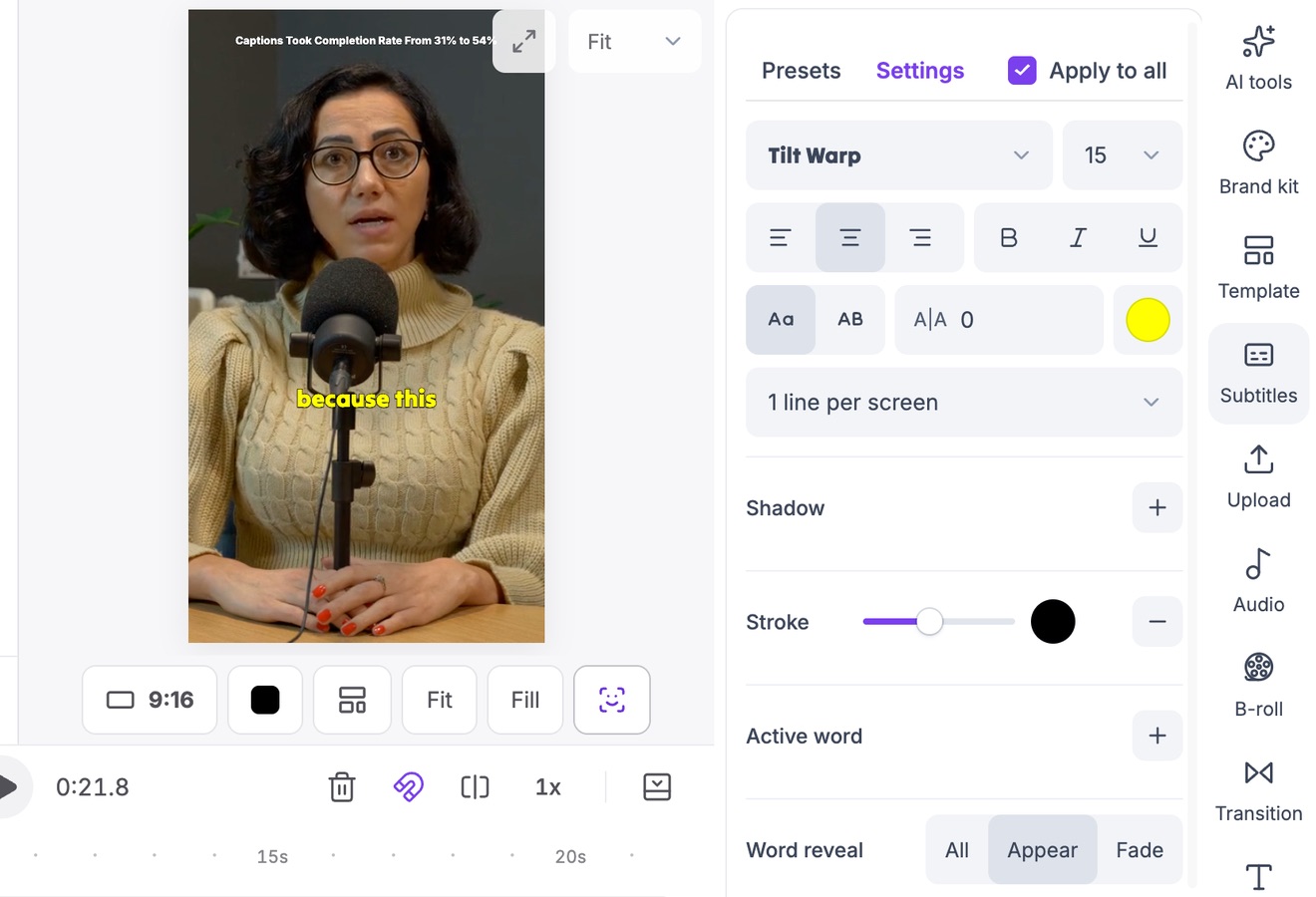
Turn a wide recording into 9:16, 1:1 or 4:5. Vidoveli follows whoever is speaking and cuts between speakers, so nobody talks from off screen.
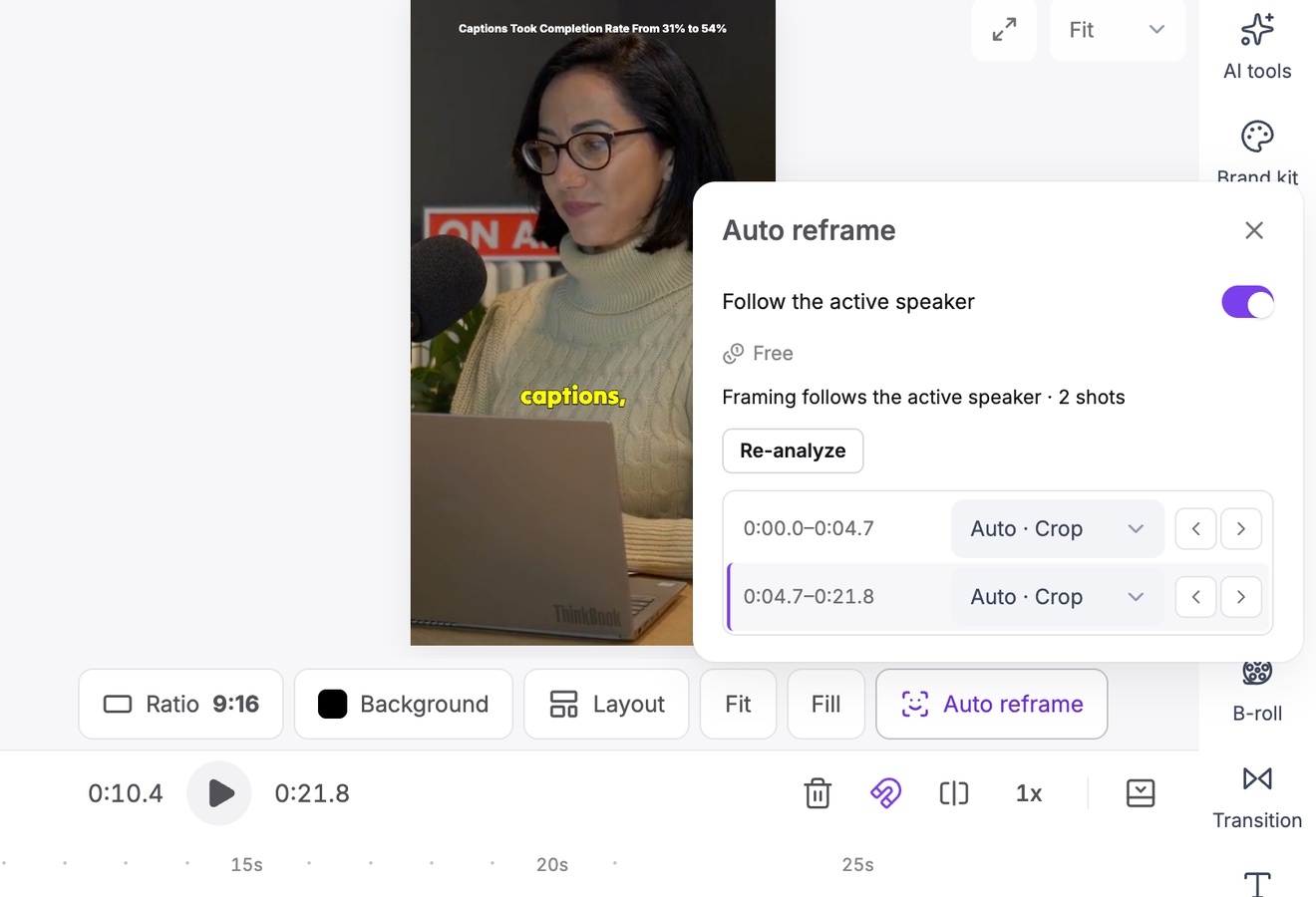
Vidoveli suggests stock footage for what is being said. Add music, sound effects and 19 transitions from the built-in library.
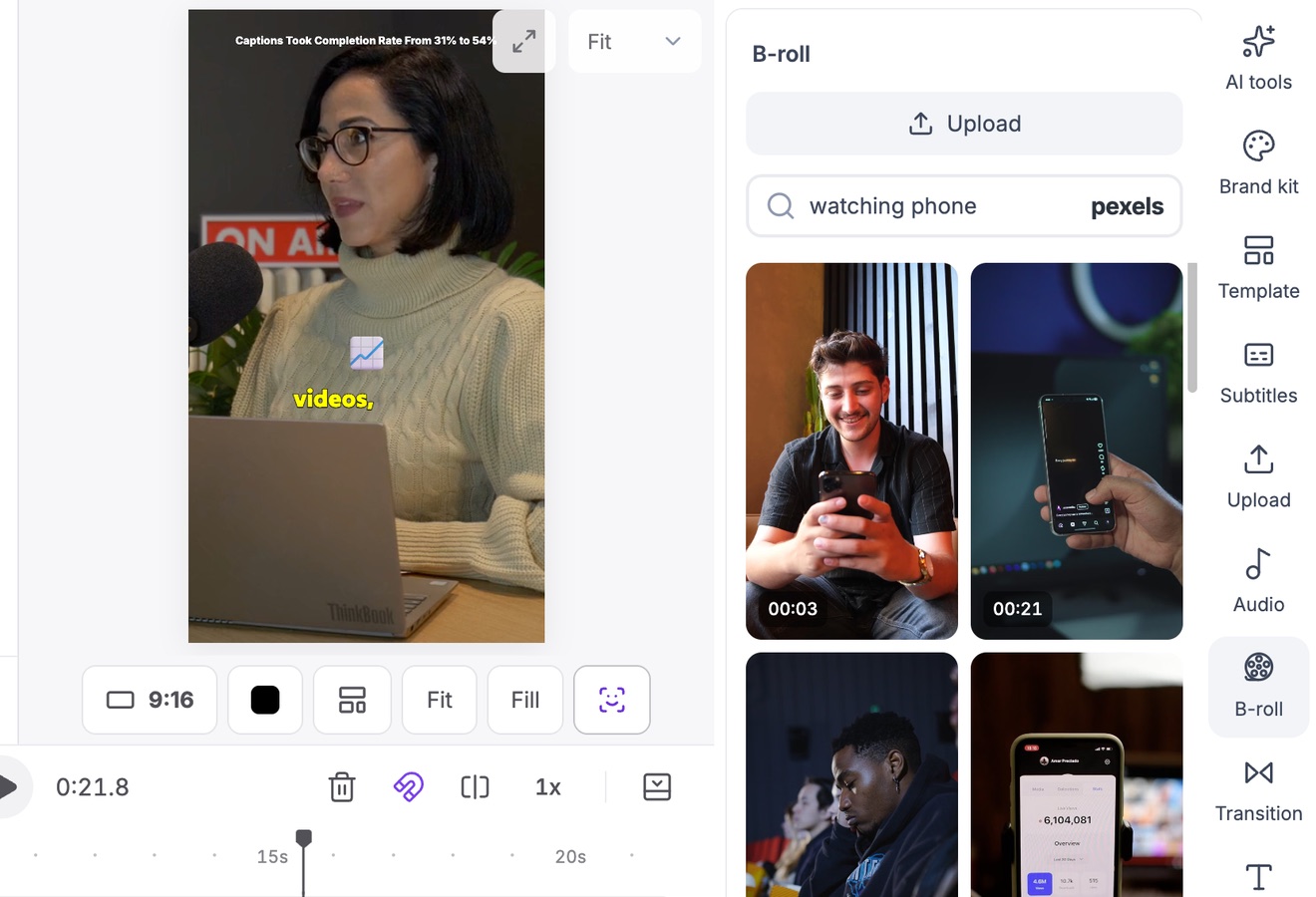
Every clip comes with a title, a caption and hashtags written for the platform you post to. Share a link, or copy the text and go.
How clips are chosen
A loud moment is not always a good clip. Vidoveli looks for moments that still make sense once they leave the full video, then rates each one.
Recommended clips show an overall score. Weaker moments are kept as drafts with the reason, never with a low number.
How it works
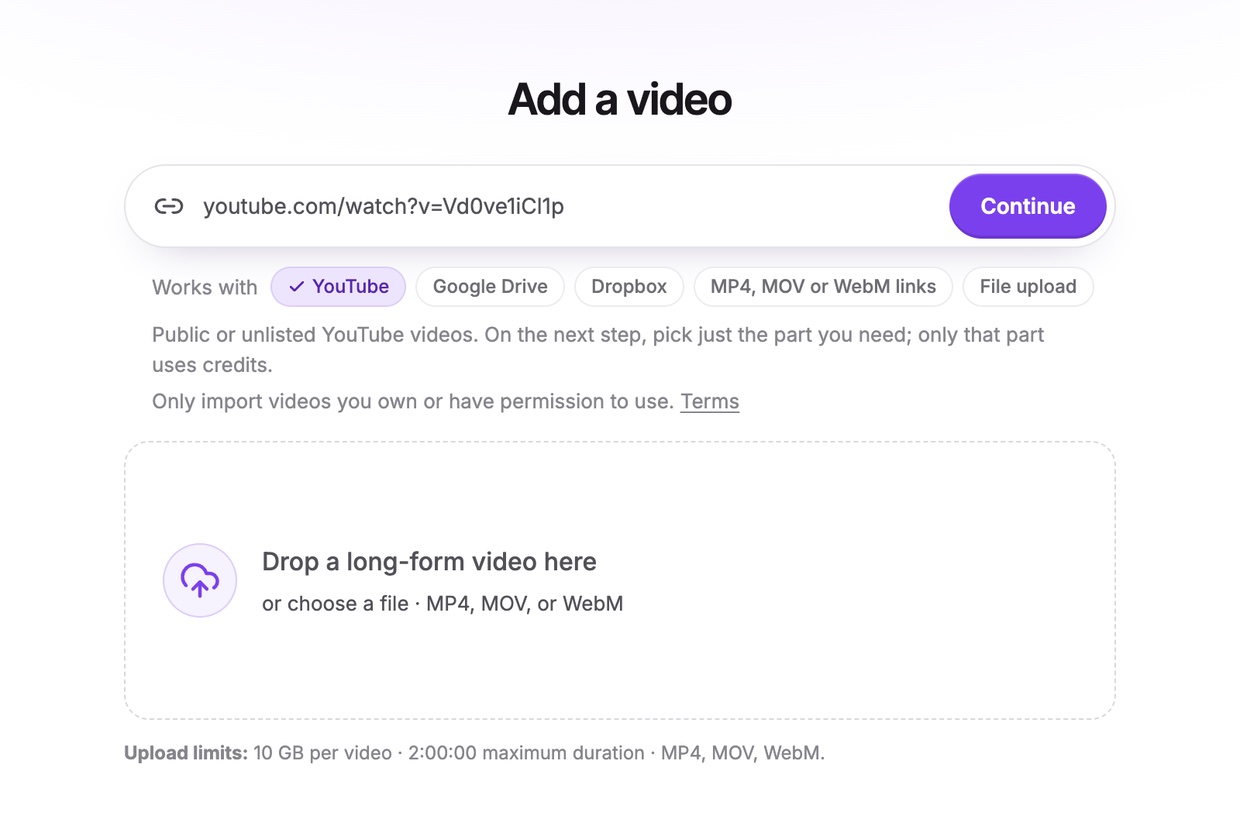
Paste a link to your video on YouTube, Google Drive or Dropbox, or a direct MP4, MOV or WebM link, or upload the file, up to two hours long. If the connection drops, resume the upload where it stopped. Vidoveli transcribes the video in 40 languages.
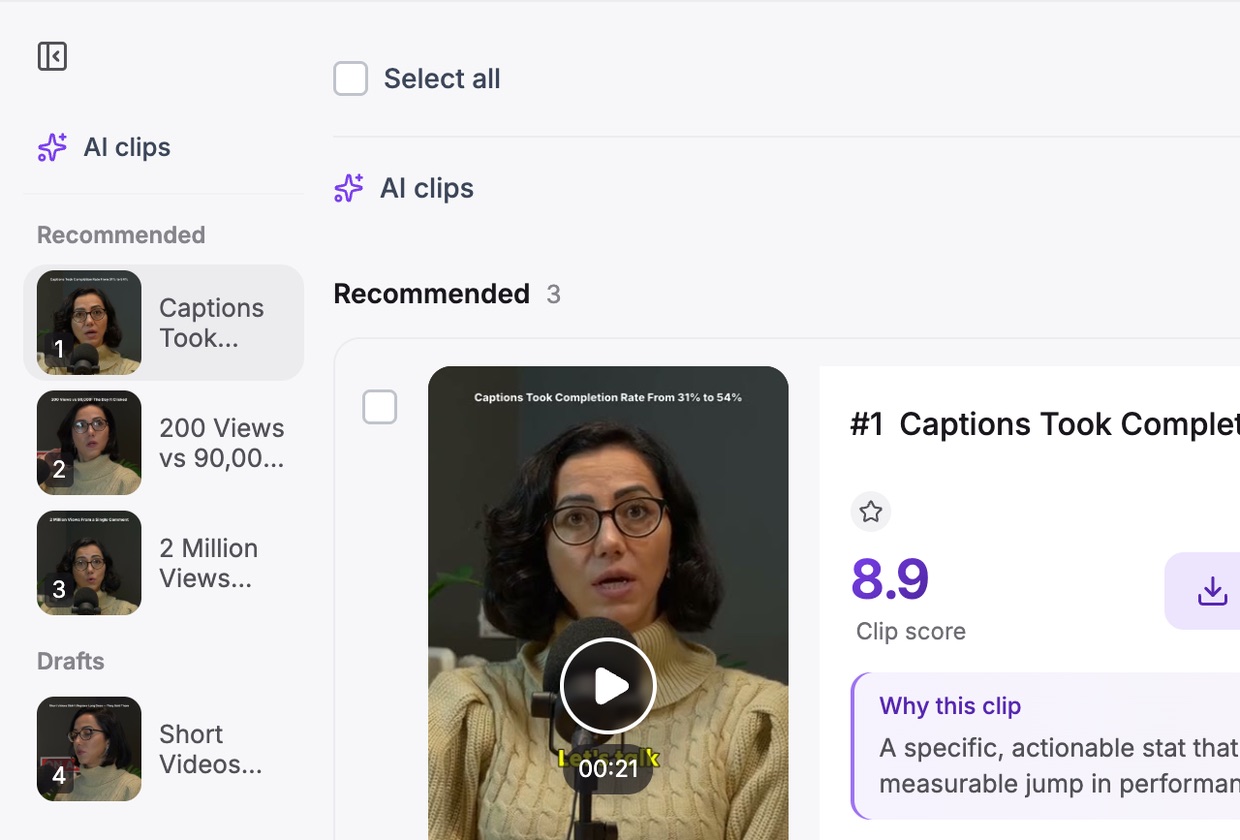
Pick a clip length and a template, or describe the moments you want, even while the video is still uploading or importing. A few minutes later your scored clips are waiting, captions included.
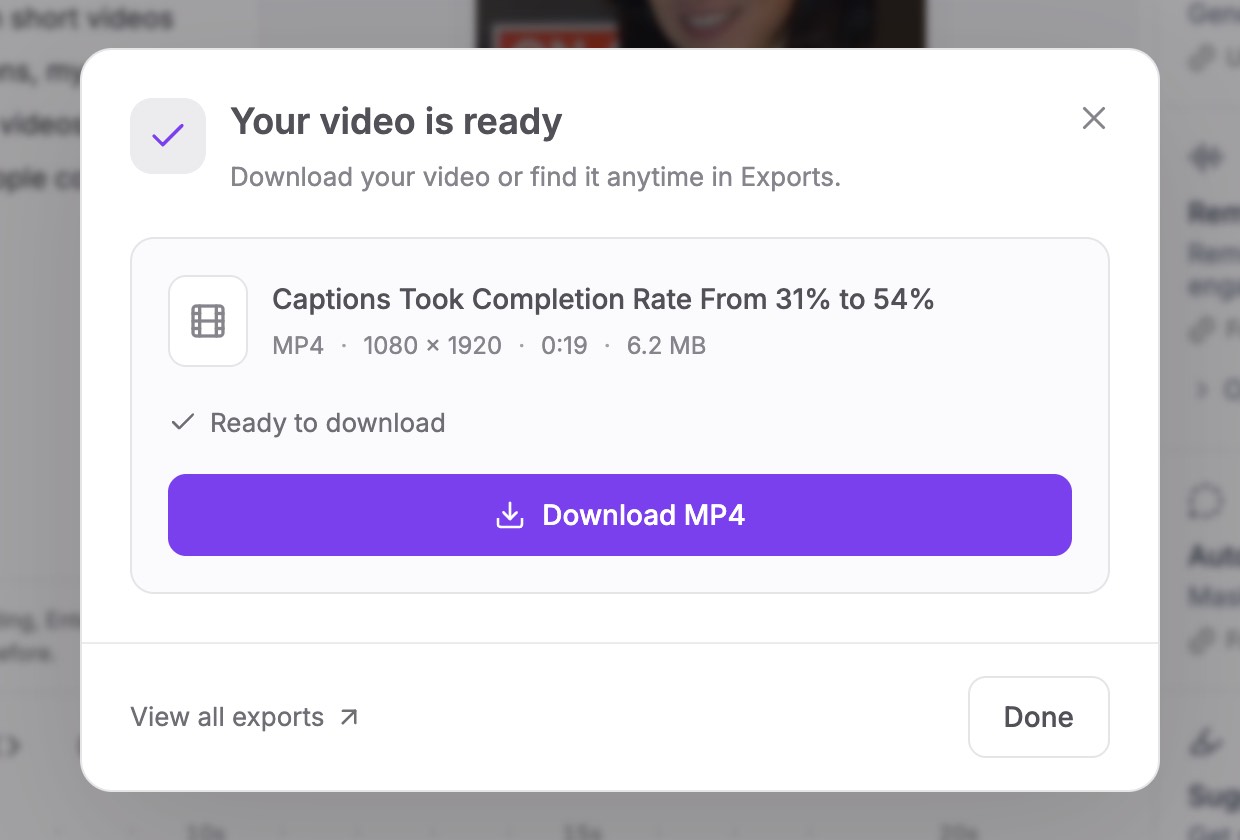
Trim or extend any clip word by word, restyle the captions, then download the MP4 (1080p on paid plans, or 4K from a 4K video) or share a link with the post text ready to copy.
Plus a full video editor
Every clip opens in the same editor. Change a word, a frame or the whole look, and export when it is right.
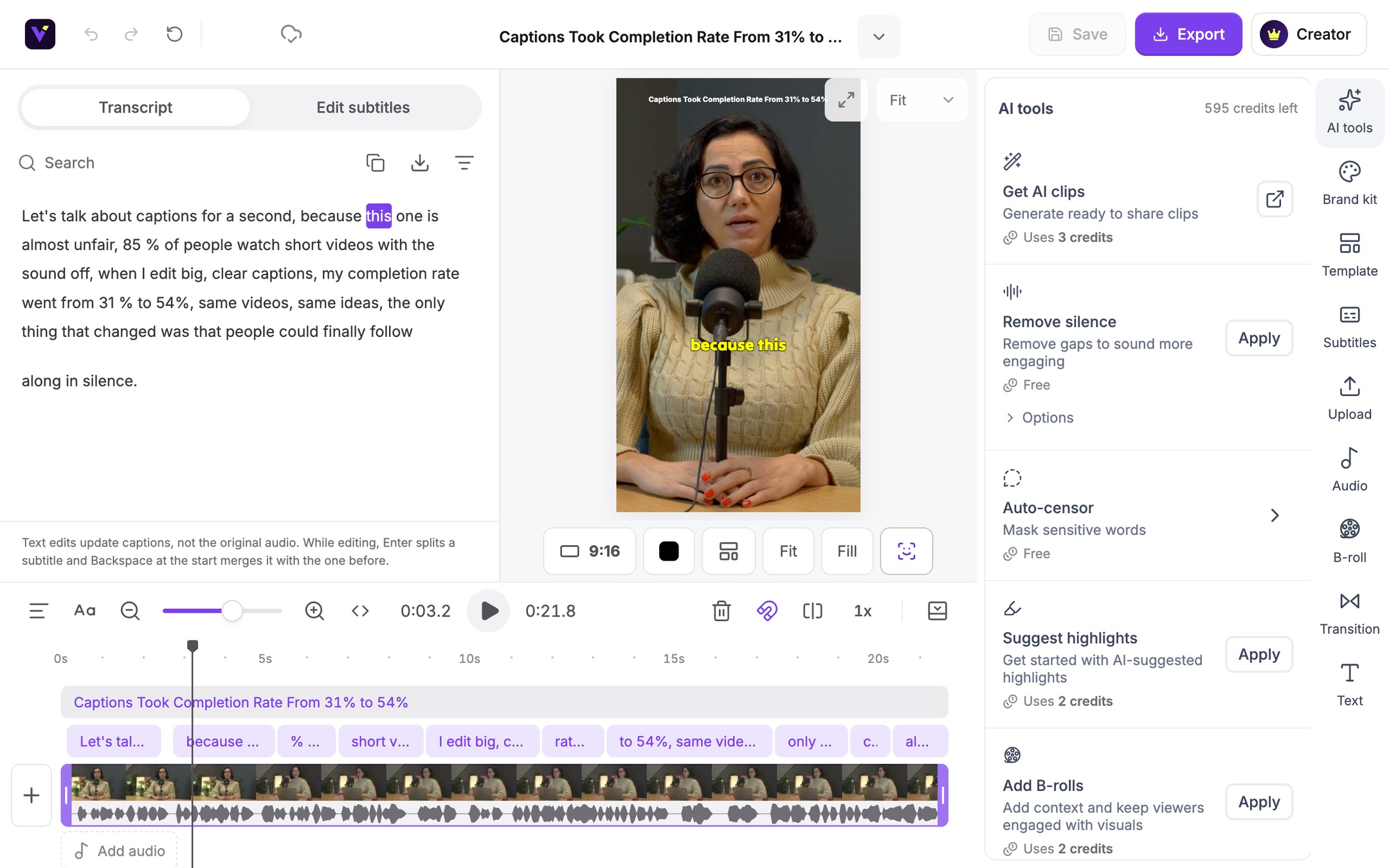
Delete words in the transcript and the video is cut to match.
Translate captions into 40 languages, or show two at once.
9:16, 1:1, 4:5 or 16:9 from the same clip, in one click.
Add text, images, B-roll, music and transitions on a timeline.
Keep your logo, caption style, text style and music in one brand kit.
Send a public link to a clip, with nothing to install.
Comparing tools?
If you have used Opus Clip, Vidoveli will feel familiar: paste a link, get scored clips. Here is what you get with every clip.
Explore the Opus Clip alternativeTools
Each page shows how Vidoveli handles one job, from podcast clips to captions and vertical video.
FAQ
Vidoveli is an AI video editing and video clipping tool. It finds the strongest moments in long videos such as podcasts, interviews, webinars and lessons, and turns them into short clips with captions for TikTok, Instagram Reels and YouTube Shorts.
Vidoveli transcribes your video, looks for complete moments with a clear beginning and end, and reviews each one for hook, value, clarity and pacing. Recommended clips get a score, and every clip shows the reason it was picked, so you can judge it in seconds.
Yes. The Free plan includes 60 credits every month, which covers 60 minutes of video, with AI clips, the full video editor and 720p exports. You do not need a card to sign up.
Continue with Google, or enter your email address and type in the 6-digit code we send you. There is no password to create or remember, and signing in later works the same way.
Paste a link to your video on YouTube, Google Drive or Dropbox, or a direct link to an MP4, MOV or WebM file, or upload the file. Each video can be up to two hours long, and up to 1 GB on the Free plan or 10 GB on Creator and Business. From a longer YouTube video you can import just the part you need, and only that part uses credits. Google Drive and Dropbox files need to be shared with “Anyone with the link”. Videos with clear speech work best: podcasts, interviews, talks, webinars, lessons and vlogs.
No. Choose your clip settings while the video is still uploading or importing, and processing starts the moment it arrives. If the connection drops, you resume the upload where it stopped instead of starting over. While Vidoveli works, the transcript and the first clips appear on screen, and you can close the tab and come back: everything is saved to your workspace.
Yes. Every clip opens in a full video editor. Edit by deleting words in the transcript, restyle or translate the captions, change the aspect ratio, add B-roll, music and transitions, or move the start and end of the clip word by word.
Yes. Like Opus Clip, Vidoveli turns one long video into many short clips. In Vidoveli every pick comes with a written reason, you can move a clip’s start and end word by word, and a full timeline editor is part of the same workspace.
Transcription and captions work in 40 languages with automatic language detection, and captions can be translated between them.
Not yet. Today you download the MP4 or share a link, with post text ready to copy for each platform. Direct publishing and scheduling are in development.
Paste a link or upload a video. You get 60 free credits every month, and no card is needed.